NEXUS
Content Calendar
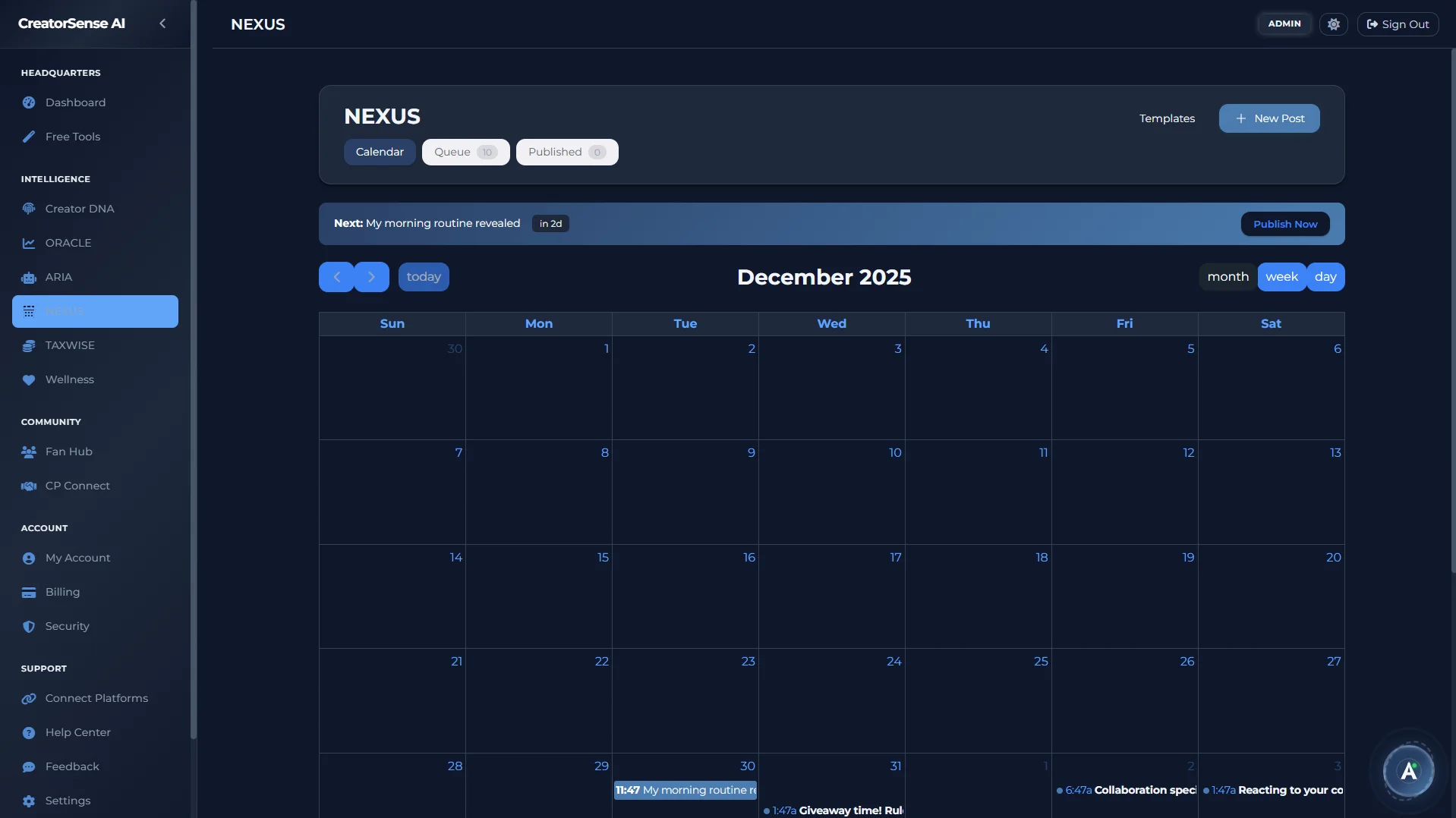
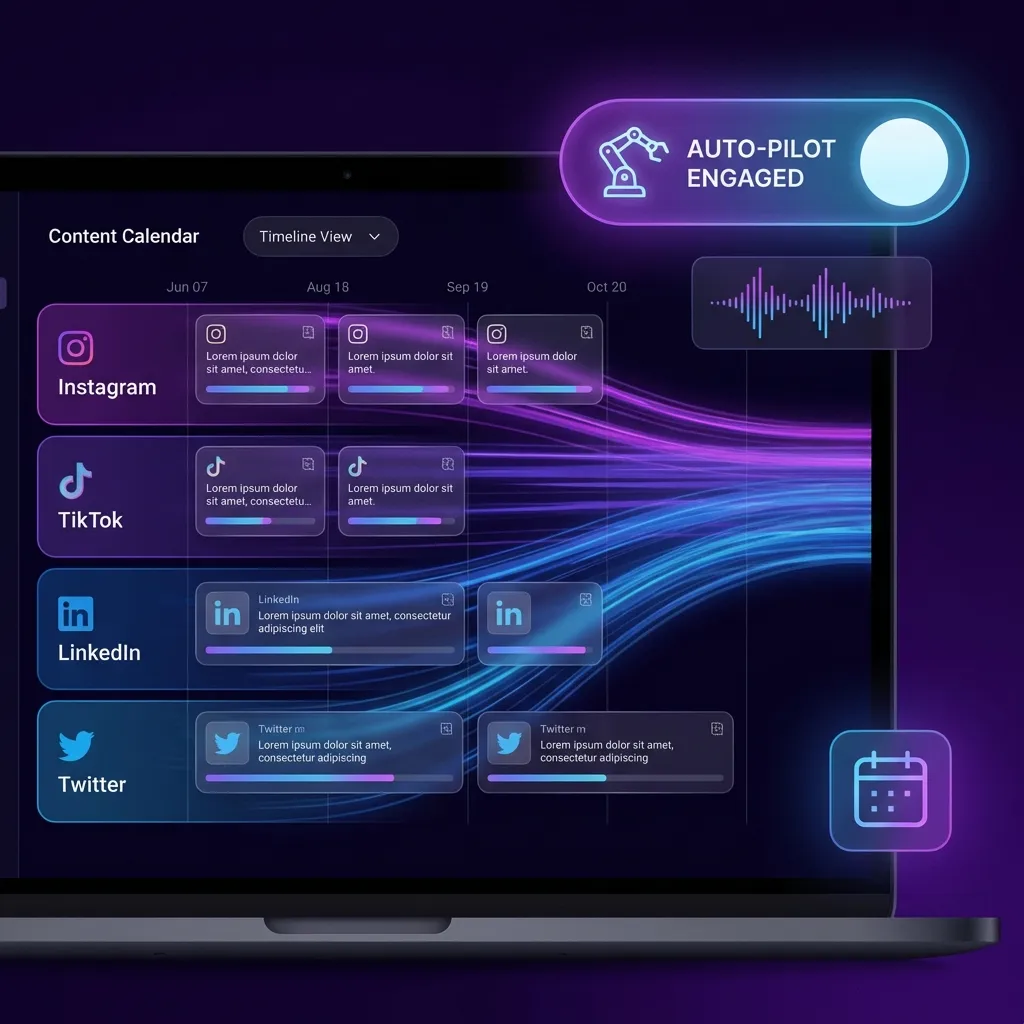
One calendar for all your platforms. Auto-publish to 11+ platforms — including OnlyFans and Fansly — with smart posting patterns that protect your accounts from automation flags, so you can schedule freely without worry.
Plan it. Queue it. Publish it. Ideate it. Repeat it.
Every step of the content lifecycle in one unified workspace.
Calendar Tab
Visual PlanningDrag-and-drop monthly/weekly calendar view across all linked platforms. See exactly what's going live, when, and where — colour-coded by platform and post status.
Queue Tab
Scheduled PostsYour upcoming publishing queue with full post previews, status badges, platform targets, and reschedule controls. Edit or cancel any post before it fires.
Published Tab
Post HistoryFull archive of published posts with performance metrics pulled directly from each platform. See what worked and replicate it.
Ideas Tab
Content KanbanA Kanban board for your content ideas — Backlog, In Progress, and Done columns. Capture ideas with a platform tag and priority, then promote any idea straight into the scheduling wizard in one click.
Recurring Tab
Post TemplatesSet up recurring post templates — weekly roundups, monthly updates, regular platform cross-posts — and let NEXUS fire them automatically on your chosen cadence without rebuilding the post every time.
Schedule posts. Protect your accounts.
NEXUS doesn't just schedule posts — it posts in a way that looks human. Instead of sending everything at the exact second you scheduled it, it adds small, natural timing variations that keep your accounts safe from automation flags. When you connect a new platform, a Warmup Guide paces how many posts you schedule per day so you don't trigger any limits — especially on TikTok, LinkedIn, Pinterest, and Facebook.
The only scheduler that posts to OnlyFans and Fansly.
No other tool does this. NEXUS does.
YouTube
Posts & Shorts
Posts & Reels
TikTok
Videos
Twitter/X
Posts & threads
Pages & Groups
Posts
Pins
Posts
OnlyFans
Posts & PPV
Fansly
Posts
Twitch
Clips & highlights
Your media, directly in NEXUS.
Browse and attach files from your Google Drive when building a post — no re-uploading, no saving copies. Your media lives in Drive; NEXUS just pulls it when the post goes live.
Your first scheduled post.
Connect your platforms
Sign in to each platform you want to publish to. Most platforms connect directly through their official login. OnlyFans and Fansly connect through a secure browser extension.
Follow Warmup Guidance for new connections
New connections get a pacing schedule to ramp up posting safely. NEXUS tells you exactly how many posts per day to start with and when to increase.
Create a post
Write your caption, add media (or pick a file from your Google Drive), choose which platforms to publish to, and set the date and time you want it to go live.
Watch it go live automatically
NEXUS publishes with natural timing variations to keep your account safe. Check the Published tab to confirm it went live and see your early performance numbers.
Stop posting manually. Start scaling.
Join the beta and automate your entire content distribution.